
Game lobby
Winbox Games: Every Category in One Official Account
Find Winbox games by category on wb889.com and open your lobby with one official account. Browse slots by title, find live dealer games by table type, or go straight to the sportsbook or arcade fishing. If you already have an account, log in from your browser or get the official app and check what the lobby has open for you.
Register and Log in open the official Winbox account pages on wbwin03.com in a new tab.
By the Winbox Malaysia Editorial Team · Last checked:
01Categories
What are the Winbox game categories?
Quick answer: Use the category table to go straight to the page you need, then open your account lobby for the titles, tables and events you can access.
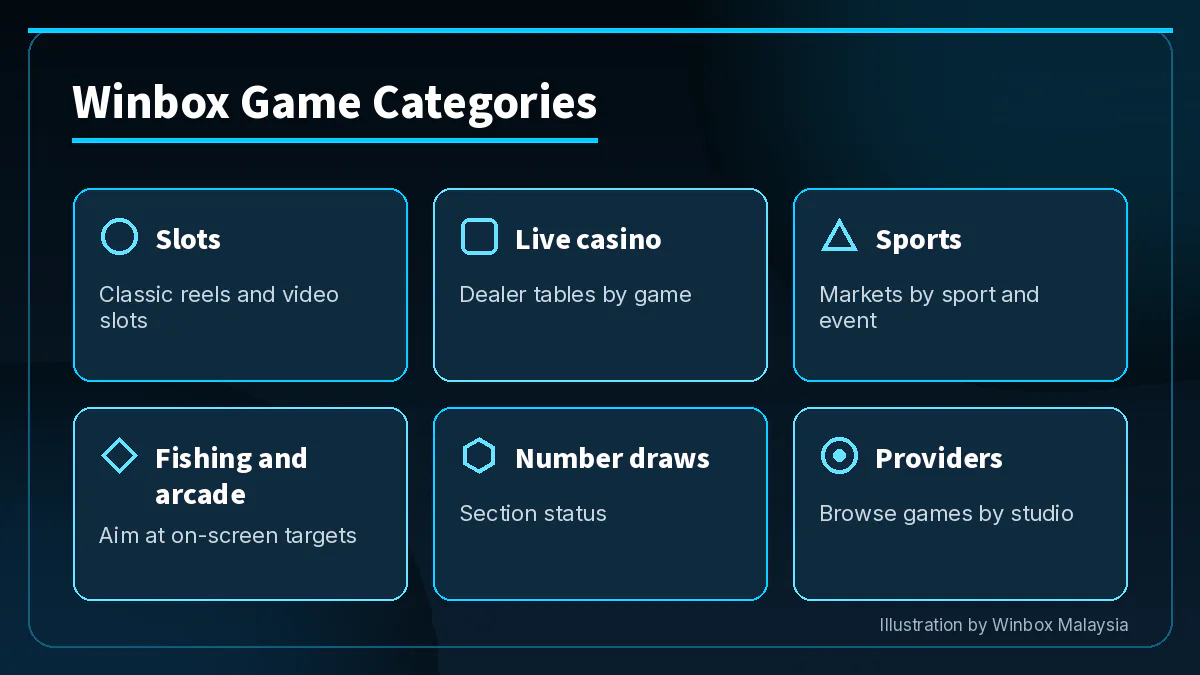
From the official Winbox Malaysia homepage, you can reach the main sections on one account. Each category page gives you a different starting point. Slots are organised around individual titles, live casino around tables, sports around events and markets, and fishing around arcade games with on-screen controls. The provider page is handy if you recognise a studio name but have forgotten which category you saw it in.
If you searched for “game Winbox” with a title in mind, go directly to its category. Use the name on the tile to check that you have found the right edition, particularly when a game has a sequel or a similar name.
| Category | What you play | Open the section |
|---|---|---|
| Slots | Classic reels, video slots and feature games | Browse Winbox slots |
| Live casino | Dealer-led card and wheel games | Open the live casino page |
| Sports | Markets by sport and event | Find the sportsbook section |
| Fishing and arcade | Fishing games with arcade controls | See Winbox fishing |
| Number draws | 4D is not yet available | Check the number draw section |
| Providers | Games grouped by studio | Browse Winbox providers |
02Slots
Which Winbox games are slots?
Quick answer: Start with the Winbox slots page for video slots, classic reels and feature-led games. The account lobby shows which titles you can open.
Our slots page features Gate of Olympus, Fortune Tiger, Mahjong Ways 2 and Super Ace Plus as examples. Other titles highlighted there include Monkey King 3, Wild Ape, Pinata Win and Mahjong Coming. When a name looks familiar, compare the full title and provider on the lobby tile before opening it.
Inside a title, the paytable explains how symbols combine and where features apply. Read the rules for the exact game version, then check the stake shown on the controls. For more on reel formats, see the Winbox slot formats article. For the meaning of the theoretical return shown in game information, read what Winbox RTP means.
03Live casino
Where do I find live dealer tables?
Quick answer: Use the Winbox live casino section for dealer-led games such as baccarat, roulette and blackjack. The live lobby shows which tables are open to your account.
Sic bo and dragon tiger are also listed among Winbox live games. When you open a table, look for the game name, the provider and the rules for that room. If several rooms carry the same game name, compare their displayed betting ranges and read how the table signals the end of a betting window.
For a live stream, make sure the table display is clear enough to read the controls and confirm the round status. You can leave that table and return to the live category to browse the other rooms.
04Sports
Where do I find a match or market?
Quick answer: Open Winbox sports, choose your sport and find the event before checking the available markets and odds.
Football, basketball and tennis are starting points on the sports page. To find a particular fixture, match the participants and scheduled start with the listing. The sportsbook shows the markets for the exact event as well as whether betting is open before the match or while it is in progress.
A single fixture can have several selections for different parts of the game. Read the market name in full and check the settlement rules, especially if the event is delayed or the market covers a particular period.
05Fishing and arcade
Which Winbox games use arcade controls?
Quick answer: Go to the fishing games page for arcade-style fishing games where you aim at on-screen targets. The lobby shows the games and their providers.
In a fishing game, check the controls and the displayed cost per shot. The game’s information panel explains what the cannon settings change and how the game accounts for shots. Where continuous fire is offered, find the control that switches it off before using it.
On a phone, use a view that lets you read the cost while keeping the controls in sight. If you move between fishing titles, open the new game’s instructions so you can see how its buttons and settings work.
06Providers
Which providers make Winbox games?
Quick answer: Open a provider page when you know the studio you are looking for. In the lobby, the provider label helps you distinguish titles with similar names.
Our provider pages cover Pragmatic Play, JILI, Playtech and Spadegaming. Other slot provider names listed on Winbox include JDB, Lucky365, Mega888 and 918Kiss. For live dealer games, you may recognise names such as Evolution, Ezugi, Asia Gaming, Sexy and Big Gaming. Use the category and the studio name together when looking for a particular title or table.
A provider page introduces the studio’s formats. Once signed in, match the studio name on the game tile and check the information panel for that version’s rules. If you are browsing with a promotion in mind, read the Winbox promotions page for the eligible games and terms before choosing a title.
| Provider | Known for | Page |
|---|---|---|
| Pragmatic Play | Video slots and live dealer games | Explore Pragmatic Play |
| JILI | Slot titles | See JILI on Winbox |
| Playtech | Slots and live casino games | Open the Playtech page |
| Spadegaming | Themed video slots | Discover Spadegaming |
07Getting started
How do I open my Winbox games lobby?
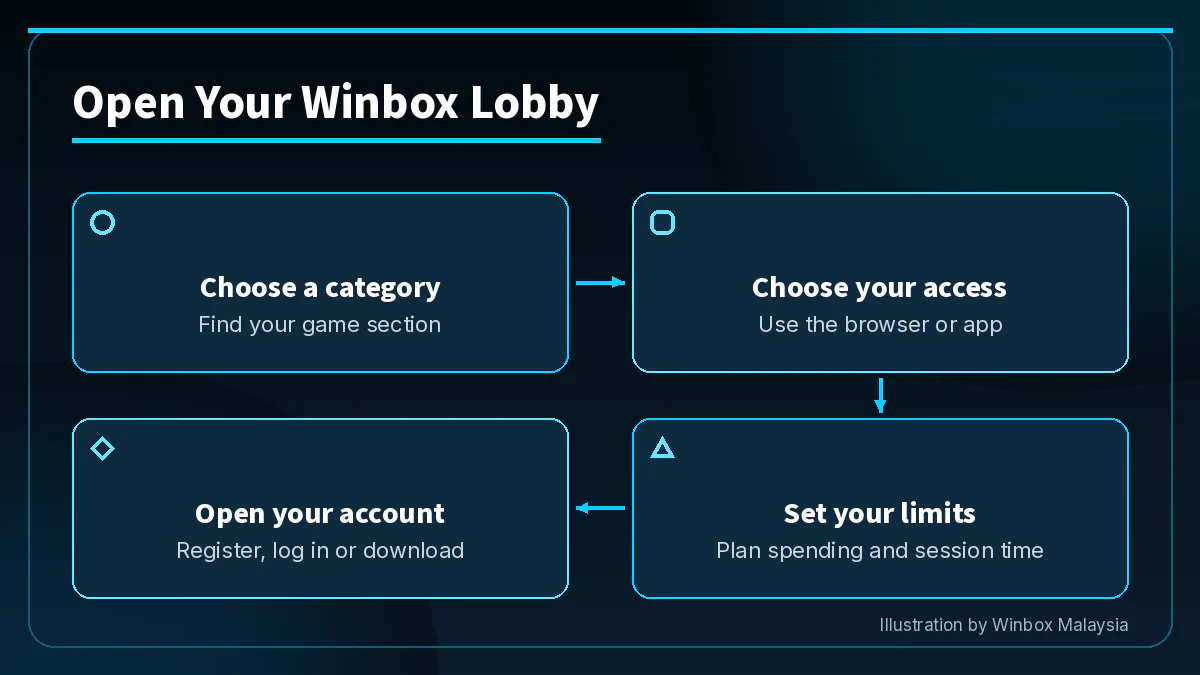
Quick answer: Choose a category and use your official Winbox account to open the lobby in your browser or through the app.
You can browse the category pages first to find the route you want. Once signed in, go to that category in the lobby to check what is open for your account. If you recognise a title but cannot see it where you expected, check the provider name and the full title in that category.
18+ only. Play within a budget you set and read our responsible play advice.
- 1
Choose a category using the table above.
- 2
Decide whether you want to open the lobby in your browser or use the app.
- 3
Set your spending and session limits before you play.
- 4
When you’re ready, register for an account, log in to the lobby or download the official Winbox app.
08Winbox
Common questions
Can I switch categories with the same account?
Yes. Use the category menu in your Winbox lobby to switch from slots to live casino, sports or fishing. Open the details for the new title, table or event before choosing a stake.
Where can I see whether a particular game is open?
Check the game lobby after logging in. Match the full title and the studio on the tile, especially if you are looking for a sequel or a particular edition.
Can I open the lobby without installing the app?
Yes. Use the H5 browser version to open your account on your phone. If you prefer an app, use the official download page for device instructions.
Where do I check the rules for a game?
Open the game’s information or paytable screen. For a live table, read the rules for that room, and for sports, check the settlement rules for your chosen market.
Does a promotion apply across the lobby?
Check the eligibility list and terms for that specific offer. Read which game categories or titles qualify before choosing a game for the promotion.
What if the section I want is unavailable?
Use the section page for its status and your signed-in lobby for the games that are open to your account.
09Related Winbox pages